Mostly about building products, healthcare tech, and lessons learned along the way.
Loading articles
Your Support Team Is Claude Code on a Timer | Clint Johnson
Your Support Team Is Claude Code on a Timer
A loop that filters noise down to the one signal worth a ping.
The best on-call experience I've ever had is the one where my phone doesn't go off.
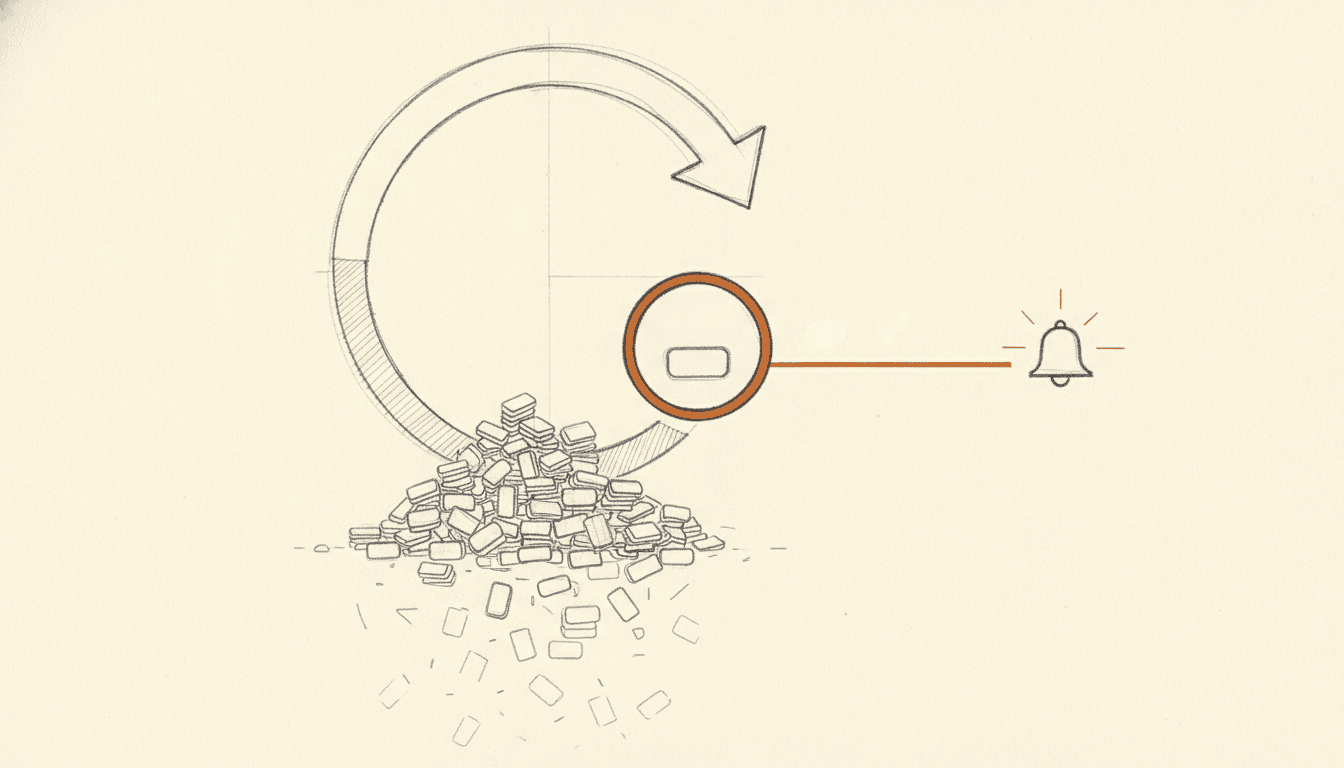
For the last stretch I've run production support for a couple of small products, and the thing I optimized for wasn't uptime dashboards or mean-time-to-anything. It was silence. I only want to be interrupted for exactly two things: a genuinely new bug, or a pull request that's actually ready for me to review. Everything else — the duplicate error that fired forty times, the flake that already has an issue, the crash I closed as won't-fix last month — should get handled without ever reaching me.
I built this first at medscrub.ai, and I'm porting it to graphiteatlas.com right now. The whole thing costs nothing to run and took an afternoon to stand up. Here's how it works, and the handful of tricks that make it hold together.
It's not an app
Here's the part that makes people tilt their head: there's no service. Nothing is deployed. There's no container, no Lambda, no cron job in some orchestrator.
It's Claude Code running a skill on a timer:
claude "/loop 5m /l2-support"
That's the entire runtime. A long-lived Claude Code session that re-invokes a skill called l2-support every five minutes. The skill is a Markdown file — .claude/skills/l2-support/SKILL.md — that describes the job in plain English: scan the alerts channel, triage what's new, file issues, fix what you can, and DM me when there's something I actually need to see.
I run it from a terminal on my machine. That sounds fragile until you sit with it: the bot is only alive while the terminal is open, which for a v1 is a feature. There's no runaway process racking up a cloud bill at 3am, no silent failure in a service I forgot I deployed. If I close the laptop, the loop stops and the alerts just pile up in Slack, exactly where I left them. When I open it back up, it catches up. Serverless hosting is a later problem; the terminal is a fine first host.
I help teams ship AI in production — audits, consulting, custom agents, and eval systems. Start with an AI Audit (from $5k) for an honest read on what to build.
The cleverest trick: state lives in Slack reactions
An automation that runs every five minutes has an obvious hazard — overlapping passes. Pass N is still writing an issue when pass N+1 wakes up and sees the same alert. The textbook fix is a lock table, or a queue with visibility timeouts, or a status column in some database. That's a database, a schema, a migration, and a whole class of "what happens when the lock leaks" bugs.
I didn't want any of that. So the state lives in Slack reactions.
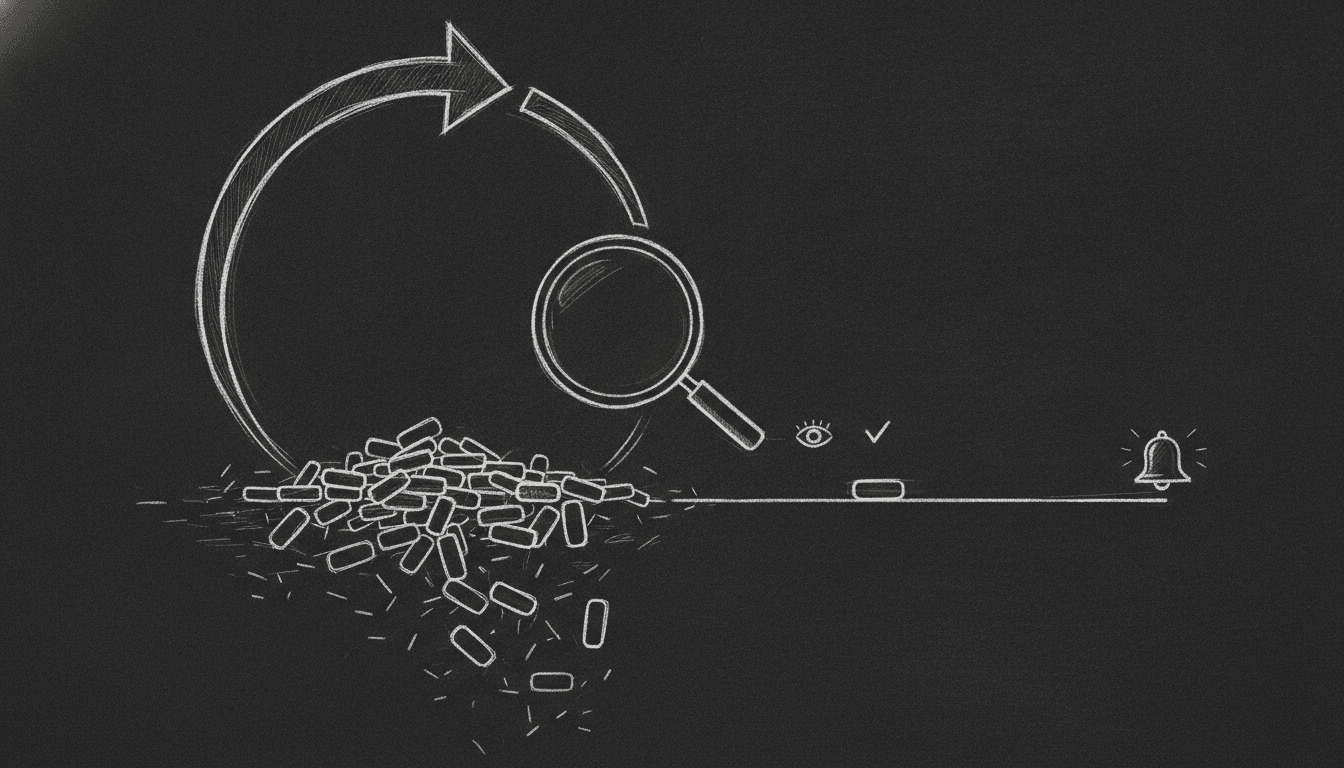
When the loop picks up an alert, the first thing it does is react with 👀. When it finishes — files the issue, opens the PR, whatever the outcome — it reacts with ✅. That's it. There's no other bookkeeping anywhere.
The beauty is that this makes overlapping passes idempotent by construction. Every pass starts by listing messages in #bot-alerts that don't already have a 👀 from the bot. If pass N+1 wakes up mid-flight, it sees pass N's 👀 and skips the message entirely. Two loops can run at once and nothing double-files. The coordination primitive is a reaction emoji, and Slack — a thing I'm already paying for — is the durable store. It's the cheapest correct answer I've found to a problem people routinely spend a sprint on.
The whole loop
Here's the flow end to end, from an error firing to a human getting pinged:
Two halves: a dumb pipe that gets errors into a Slack channel, and the loop that works that channel.
The pipe: getting errors into #bot-alerts
The input side is deliberately boring. Errors need to land in one channel, normalized and deduplicated, so the loop has a single place to look.
I run Sentry as a dual-sink. Most of these apps already had analytics-side error capture — PostHog, in my case — and I didn't rip it out. PostHog keeps doing analytics; Sentry gets added alongside it purely as the error feed. To make "full error and warning logging" real rather than aspirational, I bridge the app's existing logging envelope — the logger.error / logger.warn calls and the central controller-error handler — straight into Sentry.captureException and captureMessage. The code already funnels errors through one place; I just tap that place. Nothing new to remember to call.
From Sentry to Slack is a small webhook receiver. Sentry fires on a new issue, my route normalizes it into a compact alert and posts it to #bot-alerts. The one part worth doing carefully is the trust boundary:
There's one discipline rule for the channel that matters more than it looks: everything posted in-channel is plain text, and humans are only ever pinged by DM. The channel is the bot's workspace — it can be as chatty as it wants in there without lighting up anyone's phone. Your notifications come through exactly one path, and that path is reserved for conclusions.
The two tricks that make it trustworthy
A bot that files issues and opens PRs is only useful if you can stop watching it. Two things earn that trust.
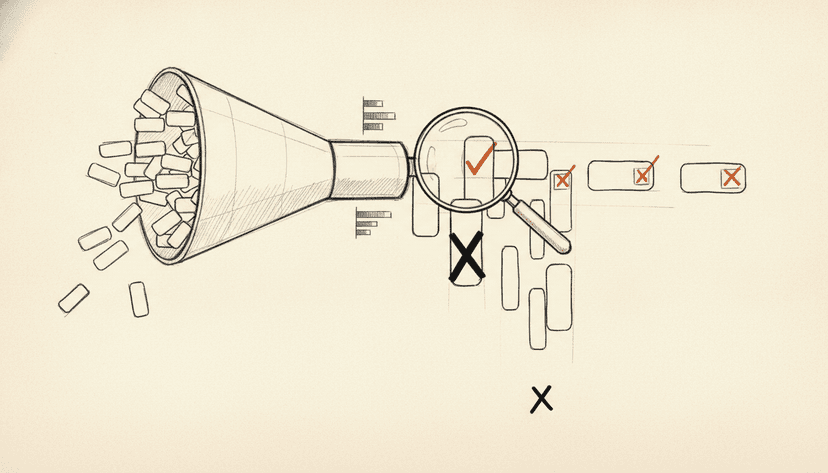
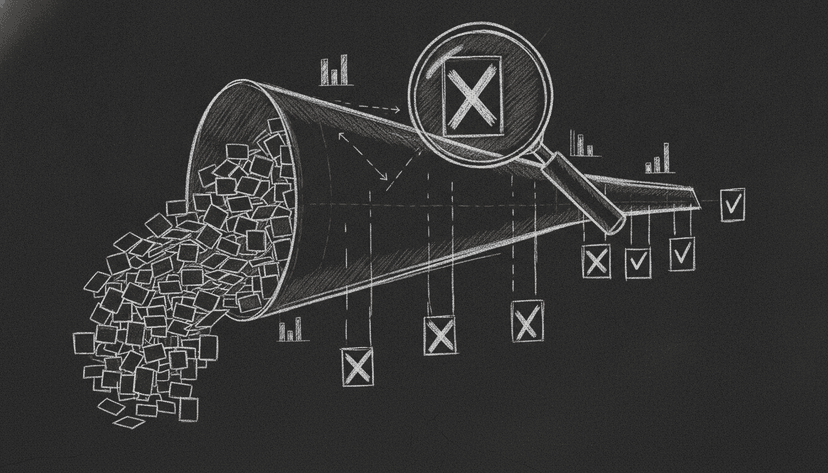
Two-level dedupe. Before it files anything, the loop checks whether this is really new. First a cheap exact-reference check — gh issue list --search <ShortID> against the error's fingerprint. If that misses, a second pass compares the symptom against existing issues, and crucially it looks at both open and closed issues. That closed-issue check is the one people forget. Without it, every won't-fix you close comes screaming back the next time the error fires. With it, "I already decided about this" actually sticks. If it's a dupe, the alert gets suppressed and a ✅, and you never hear about it.
TDD in a throwaway worktree, and never self-merge. When the bug is something the bot can plausibly fix, it spins up a fresh git worktree off a clean origin/main, writes a failing test first, then makes it pass — no skipping hooks, no --no-verify, no shortcuts that would let a broken fix through. Then it opens a PR with Fixes #N and stops. It does not merge. Merging is mine.
And it only pings me once the PR is genuinely green — it waits on the real PR gates (lint, typecheck, the actual test suite, smoke tests) and specifically not on the chronically-red nightly job that everyone knows to ignore. That distinction is the whole ballgame. If the bot waited on the flaky nightly, every DM would be a false alarm and I'd start ignoring them. Because it only waits on the gates that mean something, a DM from this bot is a real signal: there's a PR here that's actually ready to look at. That's the promise, and keeping it is what lets me trust the silence.
Why this shape wins when you're small
Add it up and there's almost nothing there. No infrastructure bill — the runtime is a terminal. No ops surface — there's no service to monitor, no dead-letter queue to drain. It acts under my own gh auth, so the issues and PRs show up as me, which is exactly right for a team of not-many. And the entire behavior is a skill file plus a launcher script you can read top to bottom in a couple of minutes — no framework, no DSL, no magic.
It also degrades in the safest possible direction. Kill the terminal and nothing breaks; alerts just queue in Slack until the loop comes back. There's no half-committed state to reconcile because the state was never anywhere but reactions.
Is this the shape it'll have forever? No. Eventually the loop moves off my laptop onto something that stays up on its own, and the autonomy dial gets turned up carefully. But the point of a scrappy version isn't to be the final version. It's to get the entire value — a support engineer that only bothers you when it's real — for an afternoon of work and zero dollars a month.
This is one trick out of a bag of them I've been collecting for running lean. There's more where it came from.