Mostly about building products, healthcare tech, and lessons learned along the way.
Loading articles
What It Actually Takes to Build a Real LLM Agent | Clint Johnson
What It Actually Takes to Build a Real LLM Agent
The anatomy of an agent that actually works
Six months into building Penny, our internal AI orchestrator that handles issue routing, priority triage, and cross-system ops, I hit a wall I didn't see coming.
Not a technical wall. An architectural one.
I had assumed "building an agent" meant calling the Claude API in a loop with some tools attached. It does, technically. But that's like saying "building a car" means attaching wheels to a frame. True, but missing everything that matters.
The gap between "I'll just use the Claude API" and "I have a real autonomous agent" is where most projects die. I've built enough of them now, in healthcare AI, golf analytics, enterprise ops, to tell you what that gap looks like from the inside.
The Mental Model That Changes Everything
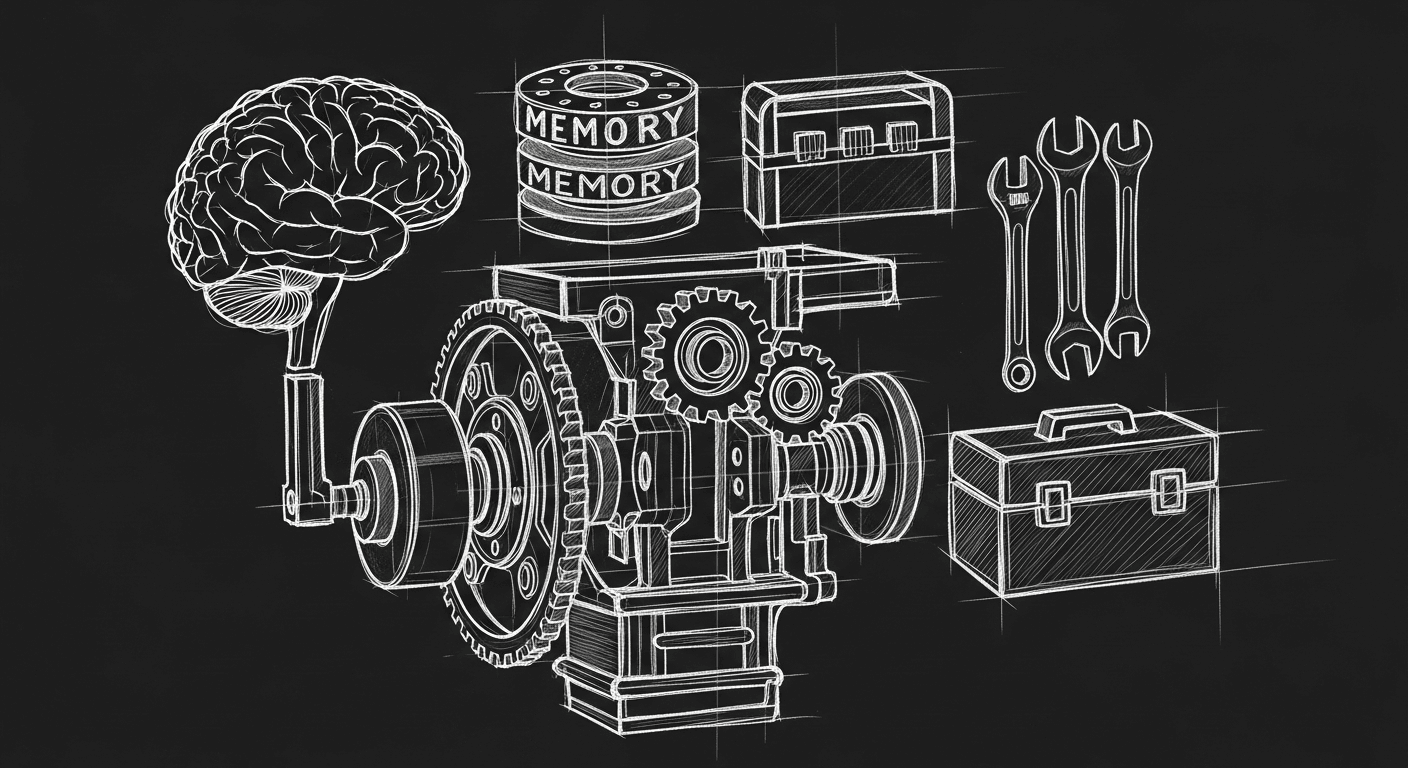
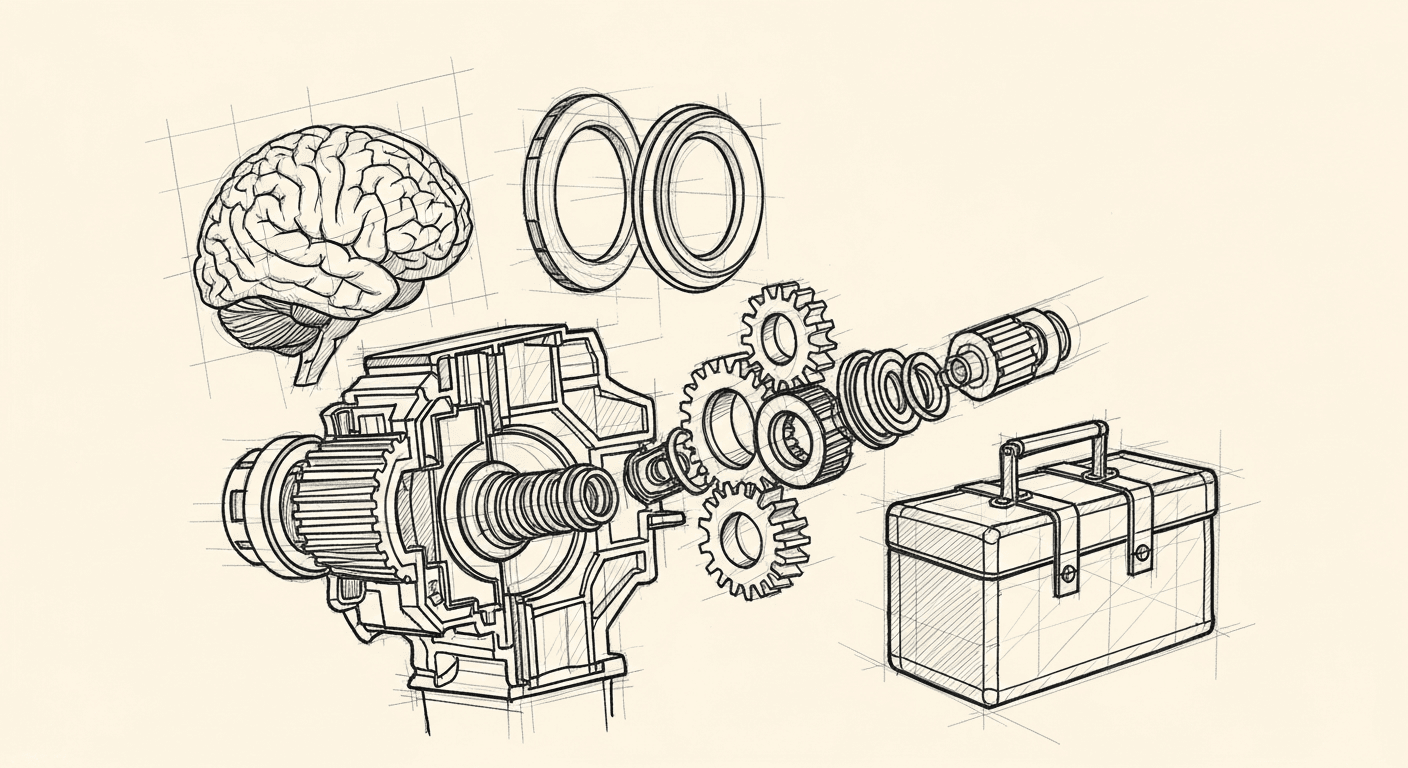
The clearest framing I've found: an LLM agent is an LLM brain plus memory plus planning plus tool use. Four components. Most builders nail one or two and wonder why the system keeps breaking.
The LLM is not the agent. The LLM is the reasoning engine. The agent is the full system around it: how it remembers, how it decomposes goals, what it can act on, and how it knows when it's wrong.
Get this distinction wrong and you end up with what I call a "prompt in a trench coat": something that looks like an agent in a demo, collapses under real workloads, and costs three times what it should.
Here's what each component means in practice.
1. Planning: The Hardest Part No One Talks About
Planning is task decomposition, breaking a complex goal into subgoals that can be executed sequentially or in parallel. On paper, this sounds like the easy part. In practice, it's where most agents fail.
The ReAct pattern (Reason + Act) is the pattern I use most. The agent produces a thought, takes an action, observes the result, then reasons again. The loop continues until the task is done or a failure condition is hit. Simple to describe. Surprisingly hard to implement correctly.
I help teams ship AI in production — audits, consulting, custom agents, and eval systems. Start with an AI Audit (from $5k) for an honest read on what to build.
Underspecified subtasks. If the top-level goal is "summarize the patient's last three visits," the agent needs to know whether "visits" means calendar appointments, clinical encounters, or billing events. Without that specificity baked into the decomposition, the agent will make a choice — and it will often be the wrong one.
No termination criteria. I shipped an early version of Penny that would run planning loops indefinitely on ambiguous inputs. It burned tokens, returned nonsense, and cost real money before I caught it. Every planning loop needs a hard stop condition: a maximum step count, a confidence threshold, or an explicit "I cannot complete this" path.
Hierarchical decomposition without coordination. Breaking a task into subtasks that run in parallel is great for throughput. It's terrible if those subtasks have implicit dependencies. I once had two subagents writing to the same record simultaneously because I hadn't mapped their output intersection. The resulting state was garbage.
My current approach: plan mode first, always. I have the agent produce a decomposition, review it, then approve execution. For anything in production, that approval is automated via a confidence score, but the explicit planning step still happens before any tool is called.
2. Memory: Four Types, and You Need to Know Which One You're Using
This is where I see the most handwavy architecture. "We'll add memory" is not a design decision.
There are four distinct memory types, and they have different costs, different latency profiles, and different failure modes:
In-context (working memory). What's in the current context window. Fast, precise, expensive at scale. Degrades as context fills — models lose coherence on information that was injected 40k tokens ago. This is the memory type most people default to because it requires no infrastructure. It also breaks silently under load.
External storage (retrieval memory). Vector stores, databases, document indexes. Scales well, but introduces retrieval failures. If the retrieval step surfaces the wrong documents, the agent reasons over bad inputs and you get confident wrong answers. I spent two weeks debugging a Penny issue that turned out to be a stale vector index returning outdated routing rules.
In-weights (parametric memory). What the model learned during training. You can't update it without fine-tuning. Useful for general knowledge, useless for domain-specific or recent information. Don't mistake this for a memory system you control.
In-cache (KV cache). Prompt caching that preserves computation across calls. Not semantic memory in the traditional sense, but relevant for cost optimization when you have a large, stable system prompt.
The practical upshot: for production agents, you need a deliberate strategy for each type. What goes in-context, what gets retrieved, what gets cached, and what gets discarded.
My current rule: anything older than the current session goes into external storage. Anything retrieved gets summarized before injection. Never dump raw retrieval results into a context window if you can avoid it.
3. Tool Design: The Details That Break Everything
Tools are how agents act on the world. The quality of your tool design determines more of your agent's output quality than the quality of your prompts.
Mistakes I made repeatedly before I learned better:
Too many tools. I initially gave Penny access to every API it might conceivably need. The result was an agent that spent half its reasoning budget selecting tools rather than solving the actual problem. Now I scope tools tightly to the task. A focused agent with five relevant tools consistently outperforms a general agent with fifty.
Ambiguous tool names and descriptions. The model uses tool names and descriptions to decide when and how to call them. If your tool is called get_data with a description of "retrieves relevant data," you have a useless tool. The name and description need to specify exactly what the tool returns, under what conditions it should be called, and what its failure modes look like.
No error handling in tool responses. A tool that returns a raw HTTP 500 error is a tool that will confuse the agent into a reasoning spiral. Every tool in my system returns structured responses: a success flag, a result or error code, and a human-readable reason for failures. The agent can then decide explicitly: retry, escalate, or abandon.
Missing idempotency. Agents will retry tool calls when uncertain. If your tools have side effects (writing to a database, sending a notification, calling an external API), they need to be idempotent. This is not optional. I learned this when Penny sent duplicate notifications to three healthcare providers because a tool call that had already succeeded returned a network timeout on the confirmation.
4. Self-Reflection: The Loop That Makes It Real
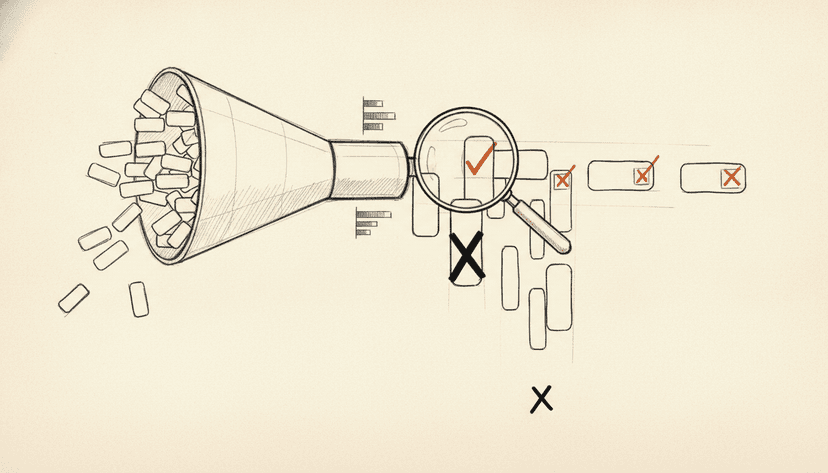
The thing that separates a real agent from a prompt chain is the self-evaluation loop. After taking an action, the agent should ask: did this move me toward the goal? Is the output coherent? Should I continue, revise, or stop?
This is cheap to implement and dramatically improves output quality. A simple check, "does this response address the original goal?", run before returning a result catches a meaningful percentage of hallucinated or off-target outputs.
The failure mode here is overconfidence. A poorly calibrated reflection prompt will rate almost everything as "good enough." I tune my reflection prompts with specific failure examples: "here is an output that failed this task and why." That grounding matters.
Where Agents Actually Fail in Production
Here's the honest version:
Context degradation under long runs. Models lose coherence over very long context windows. Long-running agents accumulate context. Eventually, early goals get crowded out by recent observations. The fix: explicit context summarization at checkpoints, not unlimited context growth.
Tool call loops. The agent calls a tool, gets an ambiguous result, calls the tool again, gets the same result, loops. I've seen this run for 30+ iterations before hitting a hard stop. The fix: track tool call history and detect repetition patterns explicitly.
Confident wrong answers. Agents will produce fluent, well-structured, completely incorrect outputs, especially when operating near the edge of their training distribution. For healthcare systems, this is not acceptable. My mitigation: structured output schemas, range checks on numeric outputs, and human review thresholds based on confidence scores.
Cascading subtask failures. One bad subtask output poisons downstream subtasks. If your planning step assumed valid outputs at each stage, a failure in step 2 will propagate to steps 3, 4, and 5 before anything surfaces. The fix: validation at each subtask boundary, not just at the final output.
What "Actually Built Agents" Looks Like
A decision matrix I use before touching any LLM call in an agent context:
Question
If No
If Yes
Is the task decomposed into verifiable subtasks?
Plan first
Proceed
Does each tool have structured error responses?
Fix before shipping
Proceed
Is there a hard stop condition on every loop?
Add one
Proceed
Are write operations idempotent?
Add idempotency layer
Proceed
Is there a self-reflection step before returning?
Add it
Proceed
None of this is exotic. All of it gets skipped in the rush to ship a demo.
The Honest Verdict
The components that sound impressive in blog posts, hierarchical planning, multi-agent coordination, autonomous tool selection, are real. They're also the last 20% of what makes an agent work. The first 80% is boring: disciplined memory management, careful tool design, explicit failure handling, and self-evaluation loops that have teeth.
I've shipped agents that worked in demos and collapsed in production. The gap was never the LLM. The gap was always the infrastructure around it.
Build the boring parts right first. The impressive parts will follow.