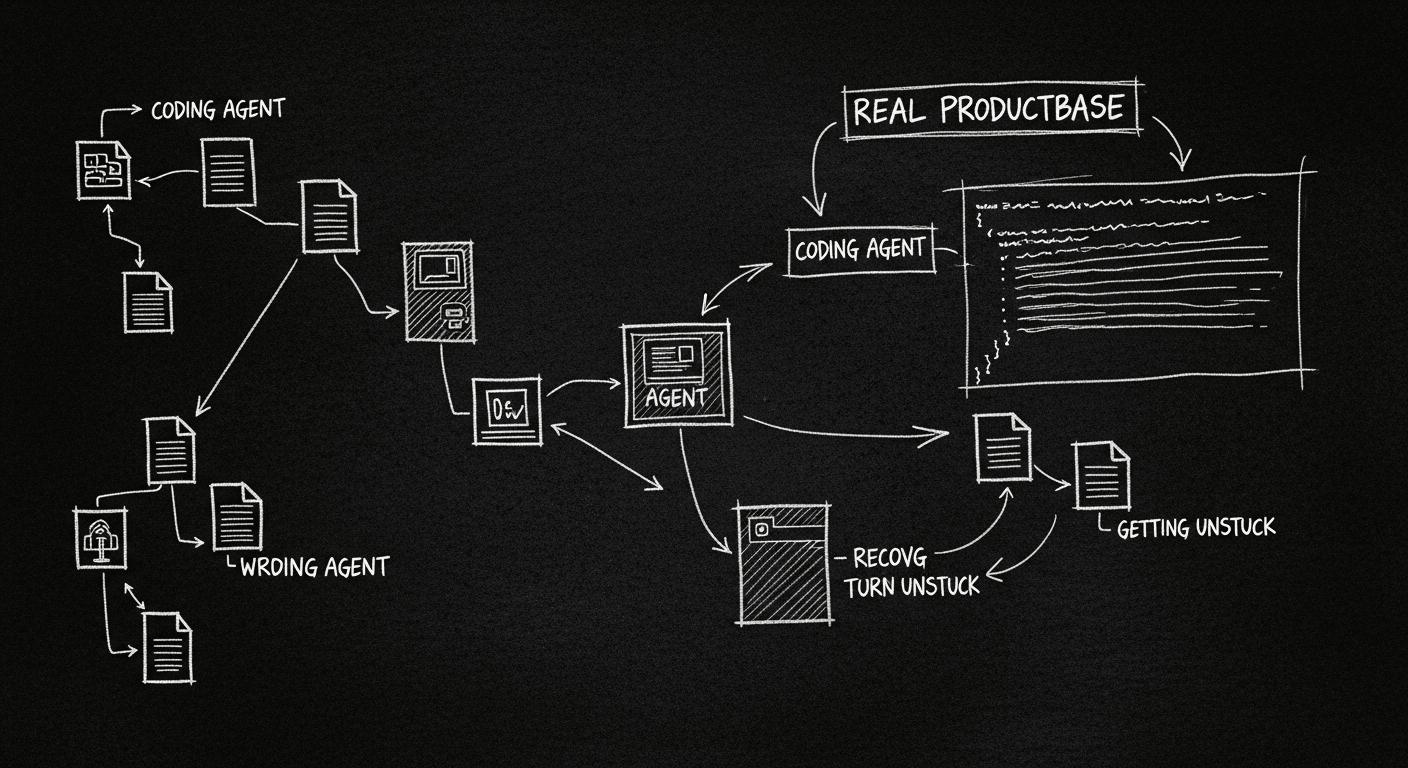
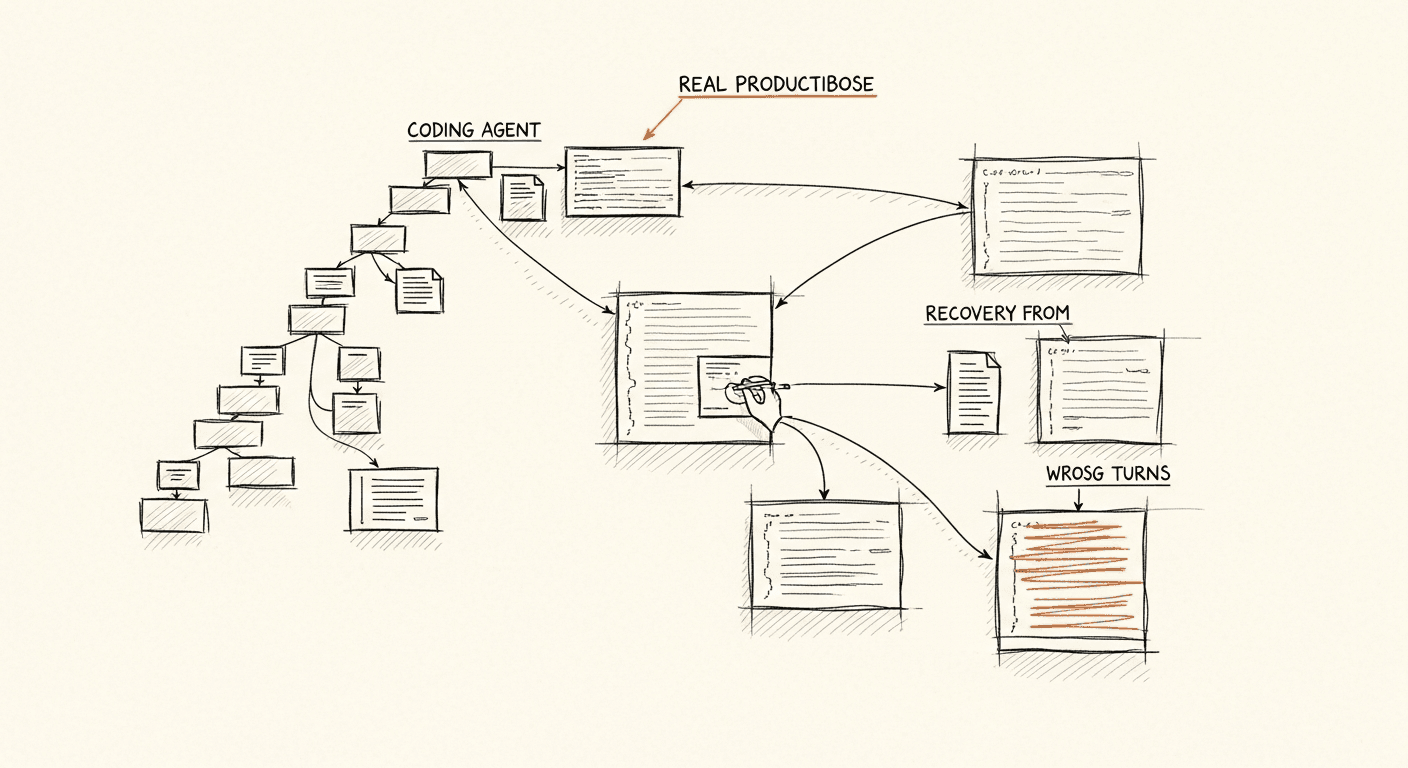
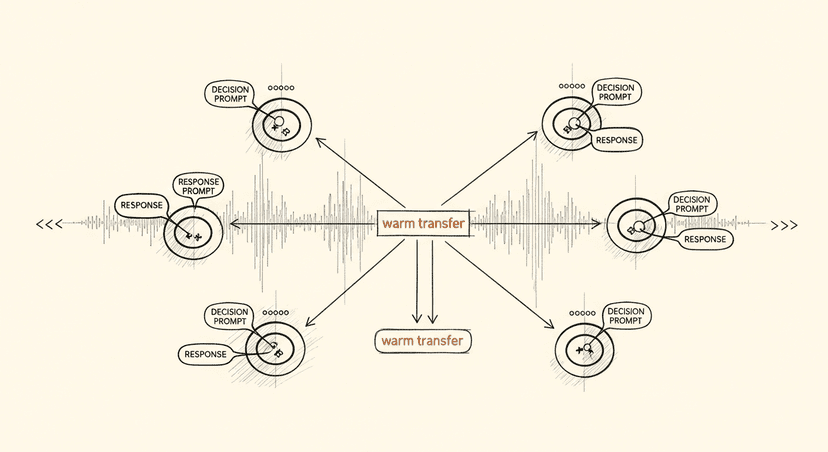
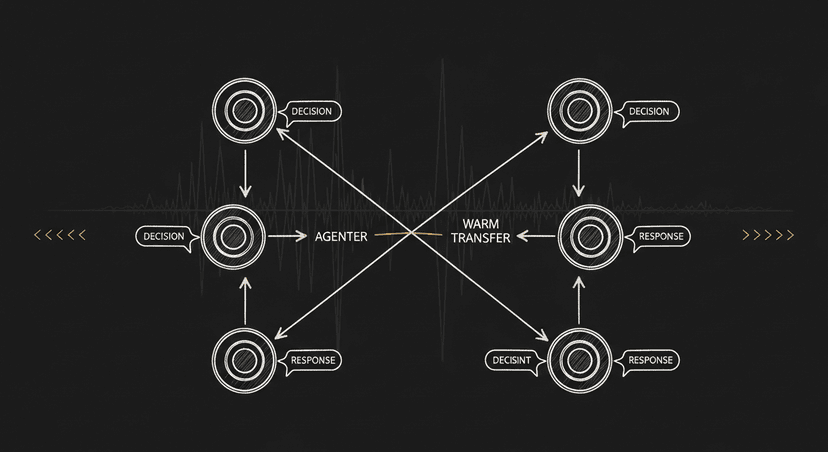
The thing that surprised me most wasn't how capable coding agents have gotten. It was how consistently the serious teams converged on the same patterns, independent of model choice, independent of product surface area, independent of company size. Teams at Devin, Cline, and Amp figured out similar things, and those things aren't what most people expect when they think about what makes an AI coding tool actually work.
The hype narrative is that coding agents are powerful because the underlying models are powerful. The practitioners' narrative is different: coding agents work in production because of tool invocation reliability, task scoping discipline, and context management. Not raw model capability.
After 12 years in ML and AI, and more than a year of heavy Claude Code usage alongside building custom agents, I want to write down what I think that actually means.
The Hype vs. What's Real
The hype version: you write a one-sentence task, the agent spins up, writes perfect code, opens a PR, and you merge it while drinking coffee.
The reality: that works sometimes, for the right scope of task. It doesn't work reliably at scale, and the teams building production coding agents have spent most of their engineering time on the gap between sometimes and reliably.
What makes coding agents economically viable, and they are more economically viable than any other agent category right now, isn't the demo. It's the infrastructure around the model: the tool layer, the context design, the failure recovery, and the human-in-the-loop triggers.
The companies that figured this out are generating real revenue. The ones still chasing the demo are not.
What Actually Works in Production
Tool Invocation Reliability Is the Real Moat
Here's the insight that reframes everything: tool invocation reliability matters more than model quality.
This took me longer to internalize than it should have. I kept upgrading models when tasks failed. Sometimes that helped. More often, the problem wasn't the model's reasoning. It was the model getting a malformed tool response, or the tool timing out, or the function call schema being ambiguous enough that the model guessed wrong half the time.
A 70B parameter model with excellent tool definitions will consistently outperform a frontier model with sloppy ones. The model's job is to decide tool to call and to pass it. If that interface is unreliable, everything downstream is noise.
I help teams ship AI in production — audits, consulting, custom agents, and eval systems. Start with an AI Audit (from $5k) for an honest read on what to build.
Every tool your agent uses needs explicit, typed schemas. No ambiguous parameters. No polymorphic inputs that require the model to infer intent.
Tool responses need to be structured. Raw text responses are cognitively toxic: the model has to parse them before it can use them, which burns context and introduces errors.
Error states need to be meaningful. "error": true tells the model nothing. "error": "file not found at path /src/utils.ts, searched in [/src/, /lib/]" lets the model recover.
If you're building a coding agent and your tool invocation success rate is below 95%, model quality is not your problem.
Function Call Patterns Matter More Than Prompt Quality
Related point: the pattern of how your agent invokes tools is load-bearing architecture, not a detail.
The production teams that work well have converged on something like this: small, atomic tool calls with clear success criteria, followed by explicit validation steps, followed by the next action. Not long chains of autonomous action that compound errors before any check.
This isn't about making agents less autonomous. It's about making autonomy recoverable. An agent that takes 50 actions before surfacing to a human and gets step 23 wrong is a support nightmare. An agent that surfaces at natural checkpoints, "I've scaffolded the feature, here's what I see before I write tests," is a product.
The frame that helped me: think about failure recovery, not just happy paths. What happens when the file the agent expects doesn't exist? When the test suite returns an unexpected error? When the linter flags something the agent didn't anticipate? Agents that don't have explicit recovery logic for these states either get stuck or hallucinate a path forward. Neither is acceptable in production.
Context Management Is Engineering, Not Configuration
The other thing production teams figured out: context is not a setting. It's a first-class engineering problem.
The naive approach is to give the agent everything: dump the whole codebase, all the logs, the entire conversation history. This fails for two reasons. First, it's expensive. Second, dense unfocused context degrades reasoning quality. More tokens in the wrong shape produces worse outputs than fewer tokens in the right shape.
What works:
Hierarchical context. Global project rules and architecture decisions live at the top. Task-specific context is scoped to the current operation. The agent doesn't need to know about the authentication module when it's writing a data transformation function.
Subagents for noisy inputs. If you're piping logs, diffs, or large file contents into the main agent context, stop. Route that through a summarization subagent first. The main agent gets the summary, not the raw noise.
Explicit file scope. Tell the agent which files are relevant to this task. Don't make it discover everything from scratch every time. Discovery is expensive and introduces variability.
Rolling compaction. For long sessions, context windows fill up. The teams that handle this well have explicit strategies for what to preserve versus discard when compaction happens. The ones that don't handle it end up with agents that quietly forget things they needed to remember.
The Patterns That Matter
Decentralized Agent Design
One of the clearest patterns across production coding agent teams: decentralized design wins over monolithic agents.
The instinct is to build one powerful agent that does everything. The reality is that specialized subagents, each with a narrow scope and clear interfaces, outperform generalist agents on almost every dimension: reliability, cost, debuggability, speed.
A concrete example of how I structure this: a planning agent that breaks down the task and identifies which files are relevant, a coding agent that does the actual implementation with file access scoped to what planning identified, a validation agent that runs tests and linting and surfaces results, and a human escalation trigger that fires when any agent hits a confidence threshold below a defined floor.
Each agent is dumb about everything outside its scope. That's a feature.
This also makes debugging tractable. When something goes wrong in a monolithic agent loop, you're reading through thousands of tokens of interleaved reasoning and tool calls to find where things went sideways. When something goes wrong in a decentralized system, you have a component to isolate.
Task Scoping Is a Product Decision
The failure mode I see most often in teams building coding agents is scope creep: tasks that are too large, too ambiguous, or both.
The agents that work reliably in production are pointed at bounded, verifiable tasks. "Implement the password reset endpoint per the spec in /docs/auth-spec.md" is a good agent task. "Improve the authentication system" is not.
This isn't a limitation of the technology. It's a product design constraint that the serious teams have internalized. The question "what is the right unit of work for an agent?" is a product question, not an engineering question. Getting it wrong kills agent reliability regardless of how good your tooling is.
The corollary: verification matters as much as generation. An agent task without a clear success criterion is an agent task that will sometimes succeed, sometimes fail, and leave you guessing. Build the verification step into the task definition, not as an afterthought.
The "Agent Got Stuck" Problem
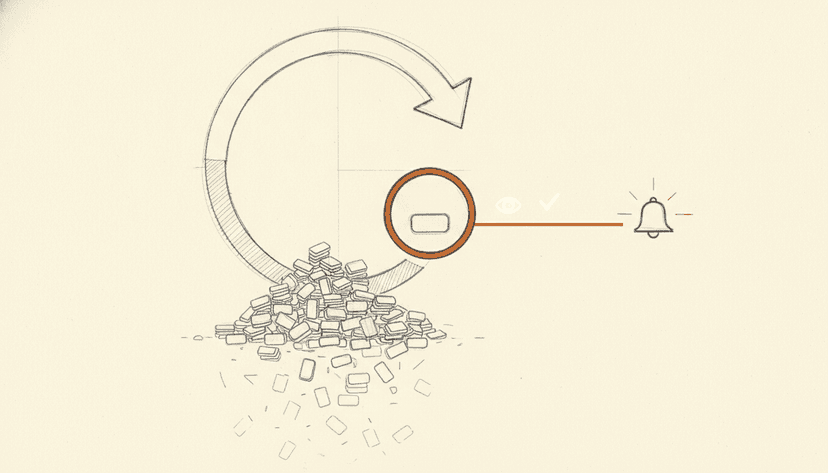
Every production coding agent team has a story about this. The agent gets into a loop, retrying a failed approach, generating increasingly elaborate workarounds for a problem it's not equipped to solve, burning tokens and time while the task goes nowhere.
The fix is not better prompting. The fix is explicit stuck detection and escalation.
What I use: a maximum retry count per tool call type, a confidence signal that fires when the agent's next action is the same as a recent failed action, and a hard timeout that surfaces to a human with a summary of what was tried. The agent doesn't get to decide it's stuck. The system detects it and handles it.
The human escalation path is not a failure of the agent system. It's the system working correctly. The goal isn't a fully autonomous agent that never needs human input. The goal is an agent that handles what it can handle reliably, and hands off everything else cleanly.
What to Build If You're Starting Today
If I were standing up a new coding agent today, here's where I'd focus:
Start with the tool layer. Before you write a single prompt, define your tools with typed schemas, structured responses, and meaningful error states. Your tool definitions are more important than your system prompt.
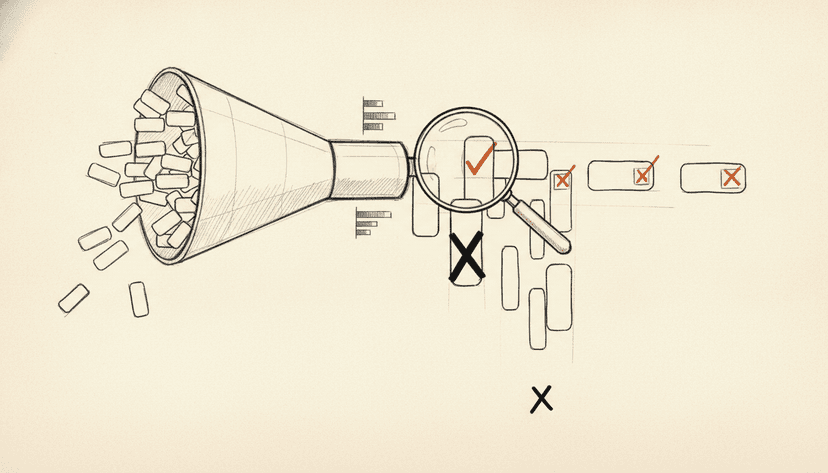
Build the validation loop first. Know how you'll verify output before you invest in generating it. Tests, linting, type-checking, whatever is appropriate: make the validation automated and make it a first-class part of the agent loop.
Keep tasks small and specific. Resist the temptation to build an agent that takes big open-ended requests. Build one that does narrow bounded tasks reliably, and expand scope incrementally as you build confidence.
Design for the stuck state. Before you ship anything, decide what happens when the agent can't make progress. Retry limit, escalation path, human handoff summary. This is not an edge case. It will happen regularly in production.
Pick a model tier that matches the task. Frontier models for architecture and complex reasoning. Mid-tier for standard code generation. Don't pay for inference quality you don't need, and don't cut corners on the tasks where it matters.
The teams shipping production coding agents didn't win because they found a better model. They won because they treated tool reliability, context design, and failure recovery as engineering problems worth solving carefully. Those are solvable problems. The model quality will keep improving regardless. The architecture decisions are yours to get right.