Mostly about building products, healthcare tech, and lessons learned along the way.
Loading articles
Fine-Tuning a 70B Model on a Consumer GPU: The Q-LoRA Practical Guide | Clint Johnson
Fine-Tuning a 70B Model on a Consumer GPU: The Q-LoRA Practical Guide
Fine-tuning a 70B model on hardware you can actually afford
Last year I was trying to get a 7B model to reliably extract structured data from clinical notes — medication names, dosages, routes, and frequencies — without hallucinating values that weren't in the text. The base model was close. GPT-4 was better but cost-prohibitive at the volume we needed. The obvious move was fine-tuning on labeled clinical examples.
The first thing I hit was the compute wall. A full fine-tune of even a 7B model needs 40–80GB of VRAM depending on batch size and sequence length. I had a single A10G (24GB) available. Everything I read at the time said I needed a multi-GPU cluster or a $5K/month cloud VM.
That turned out to be wrong. Q-LoRA changed the math. Here's what I learned running this in production, and what the tradeoffs actually look like.
What Q-LoRA Actually Does
Before the setup, you need to understand the mechanics. Otherwise you'll tune the wrong knobs.
LoRA (Low-Rank Adaptation) freezes the base model weights and injects small trainable adapter matrices at specific layers. Instead of updating all 70 billion parameters, you're updating maybe 0.1–1% of them. The gradient computation and optimizer state are only tracked for the adapter weights, not the full model.
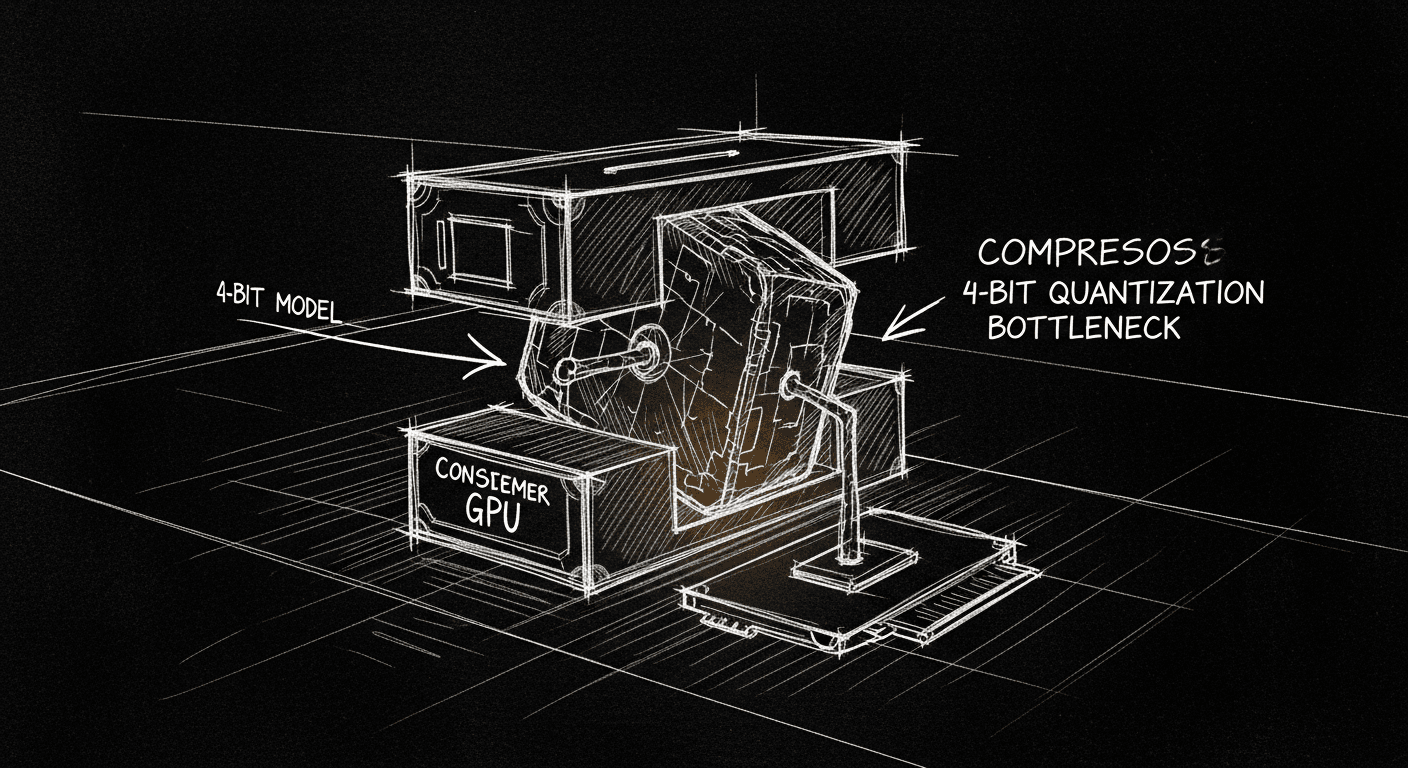
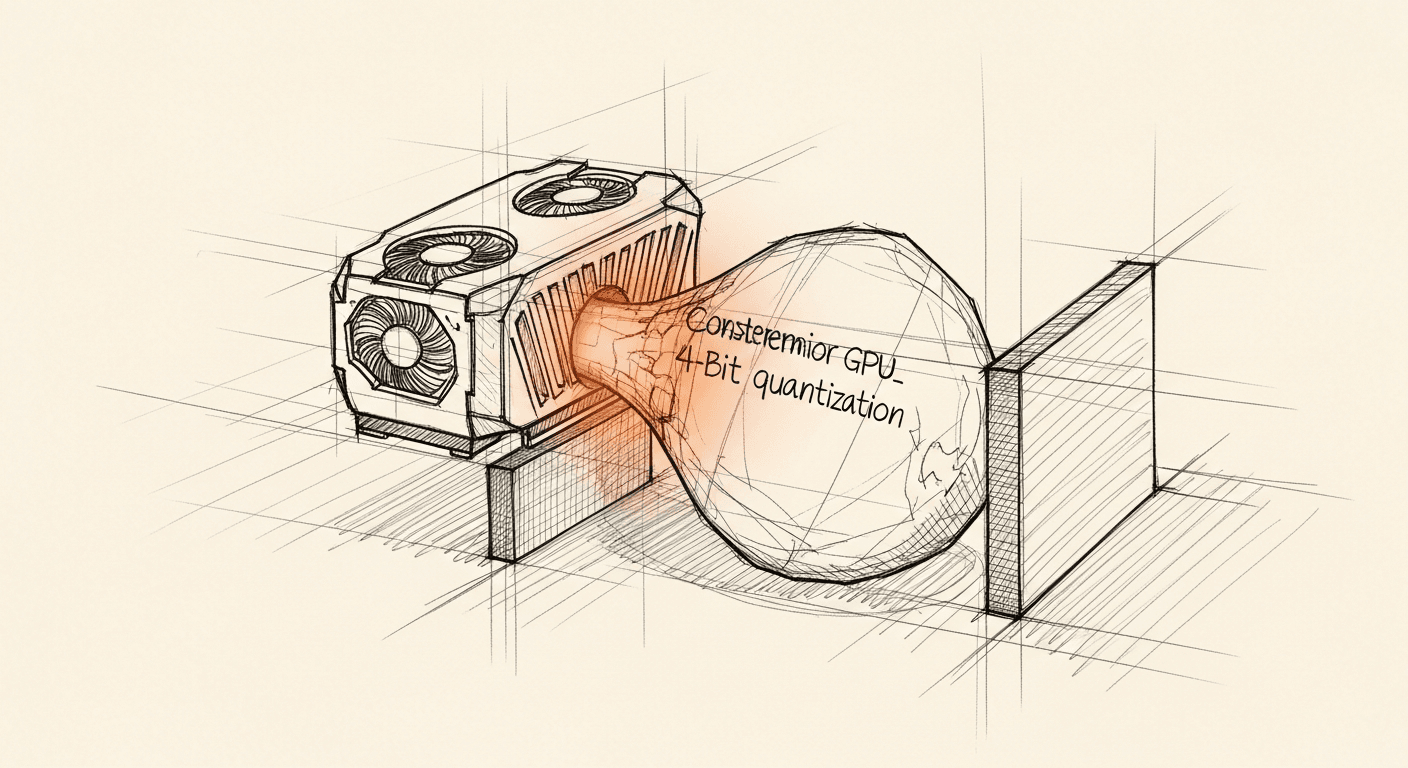
QLoRA takes this further: quantize the frozen base model to 4-bit (NF4 format), keep the adapters in bfloat16. The base model that would normally require ~140GB at float16 now fits in ~35GB in 4-bit. Add LoRA adapters and you're around 40–45GB total, still too much for 24GB VRAM. This is where paging and gradient checkpointing close the gap: with max_memory constraints and paged_adam_8bit, you can push a 70B fine-tune onto a single 24GB GPU at the cost of training speed.
For a 7B or 13B model, this is completely comfortable. For 70B, you're at the edge of what's possible and training will be slow. Expect 2–4x longer wallclock time compared to a full-precision run on equivalent hardware.
The Stack
These are the specific library versions that work together cleanly as of early 2026:
I help teams ship AI in production — audits, consulting, custom agents, and eval systems. Start with an AI Audit (from $5k) for an honest read on what to build.
Flash Attention v2 is not optional if you want reasonable throughput. It reduces memory usage quadratically with sequence length compared to standard attention. For long clinical documents, which can run 2,000+ tokens, it's the difference between fitting in memory and not.
nf4 (NormalFloat4) is the quantization format designed specifically for normally distributed weights, which transformer weights approximately are. It outperforms standard int4 on downstream task quality.
double_quant quantizes the quantization constants themselves, saving another ~0.4 bits per parameter. Small gain, costs nothing.
On choosing r: The rank r controls the expressiveness of the adapters. r=8 is a safe starting point for simple tasks (format changes, style adaptation). r=16 to r=64 for meaningful behavioral changes. Higher r costs more VRAM and trains slower. For clinical extraction, r=16 was sufficient. The task is really about suppressing hallucination and enforcing output format, not teaching the model new factual knowledge.
On target_modules: Targeting all projection layers in both attention and MLP (the gate_proj/up_proj/down_proj trio) gives better results than attention-only LoRA at the same rank. The MLP layers carry a lot of the factual retrieval behavior you probably want to adapt.
Step 3 — Format Data with ChatML
For instruction/chat fine-tuning, use ChatML format. SFTTrainer handles this automatically if your dataset has messages columns in the right shape:
from datasets import Dataset
# Clinical extraction exampleexamples =[{"messages":[{"role":"system","content":"Extract medication information from clinical notes. Return valid JSON only."},{"role":"user","content":"Patient was started on metformin 500mg twice daily with meals."},{"role":"assistant","content":'{"medications": [{"name": "metformin", "dose": "500mg", "frequency": "twice daily", "route": "oral", "instructions": "with meals"}]}'}]},# ... more examples]dataset = Dataset.from_list(examples)train_test = dataset.train_test_split(test_size=0.1, seed=42)
You need at least 100 examples to see any improvement. Below 500, expect high variance between runs. Above 1,000, results stabilize. My clinical extraction dataset had about 2,200 labeled examples, enough to get reliable performance.
Packing is important: instead of padding short sequences up to max_seq_length, it concatenates multiple training examples into a single context window with separator tokens. This dramatically improves GPU utilization when your examples are short relative to the max sequence length.
paged_adamw_8bit moves optimizer state to CPU-side paged memory when GPU VRAM is tight. It's slower than on-device Adam but it's what makes 70B possible on 24GB without OOM errors.
Effective batch size here is 1 × 8 = 8. For a 70B model on 24GB, you can't go higher without OOM. For 7B you can push to batch size 4 with accumulation 4 for effective 16.
Step 5 — Save and Merge
# Save adapters only (small — typically 100–500MB)trainer.save_model("./qlora-adapters")# Merge adapters into base model for faster inferencefrom peft import PeftModel
base_model = AutoModelForCausalLM.from_pretrained( model_id, torch_dtype=torch.bfloat16, device_map="auto",)merged_model = PeftModel.from_pretrained(base_model,"./qlora-adapters")merged_model = merged_model.merge_and_unload()merged_model.save_pretrained("./merged-model", safe_serialization=True)
You have two deployment options. Serving the base model + adapters keeps the adapter file small and lets you swap adapters for different tasks at runtime. Merging gives you a single model file with no adapter overhead at inference: better if you're serving one task and want to quantize the final merged model for production.
What the Quality Tradeoff Looks Like in Practice
This is the part that most tutorials skip. Here's what I actually observed:
What Q-LoRA preserves: Task-specific behavioral changes transfer cleanly. Format enforcement, suppression of out-of-scope responses, domain vocabulary handling — these all work well. The adapter learns what you teach it.
What Q-LoRA degrades: General language quality drops slightly compared to a full fine-tune of the same model. You won't notice it on narrow tasks. On open-ended generation, summarization, explanation, dialogue, you might see slightly less fluent output than a full-precision LoRA run.
The 4-bit base model floor: Your fine-tuned model's absolute ceiling is bounded by the quality of the 4-bit quantized base. For most tasks this is acceptable. Modern 4-bit quantization loses roughly 1–2% on standard benchmarks compared to float16. For tasks requiring precise numerical reasoning or rare vocabulary, watch for degradation.
In my clinical extraction case: the Q-LoRA fine-tuned 7B model outperformed GPT-3.5 on the specific extraction task and matched GPT-4 on well-represented medication patterns. It missed edge cases that GPT-4 caught, rare dosing formats, ambiguous route specifications. For our volume and cost target, that tradeoff was worth it.
When to Fine-Tune vs. When to Just Use the API
Be honest with yourself about this. Fine-tuning makes sense when:
You have a narrow, well-defined task with consistent input/output format
You need to run at high volume where per-token API costs matter
Your data is sensitive and cannot leave your infrastructure
The base model is 80–90% of the way there and you need the last mile
Fine-tuning does not make sense when:
You need the model to learn new factual knowledge (use RAG instead)
Your task diversity is high — fine-tuning on one thing hurts performance on others
You have fewer than a few hundred labeled examples
You want a quick win — a good system prompt gets you 80% of the value at 0% of the cost
The healthcare context adds a wrinkle: HIPAA compliance means your training data, your model weights, and your inference infrastructure all need to stay within your security boundary. That's a strong reason to fine-tune and self-host even when the API would be easier. You can't send patient data to a third-party API under most covered entity arrangements.
Lessons Worth Keeping
After running this in production for several months:
Data quality beats quantity, sharply. My first 500 examples were noisy: inconsistent annotation conventions, some incorrectly labeled edge cases. Cleaning those 500 down to 300 high-quality examples beat adding 500 more noisy ones by a significant margin.
Eval before you train. Establish your baseline metrics on the test set before you touch the training data. Obvious advice that I violated the first time. You can't know if your fine-tune improved anything without a clean baseline.
3 epochs is usually enough. Beyond 3 epochs you start fitting noise in the training set. I ran one experiment to 6 epochs and watched validation loss diverge at epoch 4. Save checkpoints every epoch and pick the best one.
The adapter is your artifact, not the merged model. The adapter file is 200MB. The base model is a commodity you can re-download. Store adapters in version control with metadata about what dataset and hyperparameters produced them.
The headline is real: you don't need a compute cluster to fine-tune state-of-the-art models anymore. A single consumer-grade GPU gets you further than a research lab's full infrastructure from five years ago. That's a genuine shift in who can build this stuff, including every healthcare engineering team that has been told domain-specific AI requires enterprise contracts and a data science department.
It doesn't. It requires a GPU, labeled data, and a weekend.