Mostly about building products, healthcare tech, and lessons learned along the way.
Loading articles
The Tools I Dropped When AI Changed My Development Workflow | Clint Johnson
The Tools I Dropped When AI Changed My Development Workflow
What I stopped using and what I use instead
I dropped Dash about eight months ago.
For the uninitiated, Dash is a documentation browser: a beautifully organized offline reference for dozens of languages and frameworks. I'd used it for years. It was always open. Fast, offline-capable, and it kept me from alt-tabbing to MDN every five minutes.
When I uninstalled it, I felt something unexpected: relief. Not because it was bad. Because keeping it around had become cargo cult behavior. I didn't need offline docs anymore. I had something that could reason about them.
That realization cascaded. Over the next few months I quietly removed or stopped using probably a dozen tools I'd considered permanent fixtures. Some I miss. Most I don't. The whole experience forced me to articulate why I was changing things, and that thinking has made my current stack cleaner than it's ever been.
The Old Stack (Circa 2023)
Here's the honest picture of what I was running before AI coding tools became serious:
VS Code with 20+ extensions: Prettier, ESLint, GitLens, Todo Tree, Bookmarks, Path Intellisense, REST Client, Docker, and a half-dozen language-specific plugins
Dash for offline documentation
Notion for personal technical notes and architecture sketches
Postman for API testing
Sourcetree for visualizing git history when it got complicated
Linear for project tracking across personal and client projects
Custom shell scripts: a bootstrap.sh for new projects, a few scaffolding templates, some git hooks I'd maintained for years
nbdev-style structured notebooks for ML work, keeping docs and code co-located
ReadMe.io for generating API documentation from code comments
Plus the usual suspects: tmux, zsh, a heavily customized .vimrc I used for quick edits, Docker Desktop, and more.
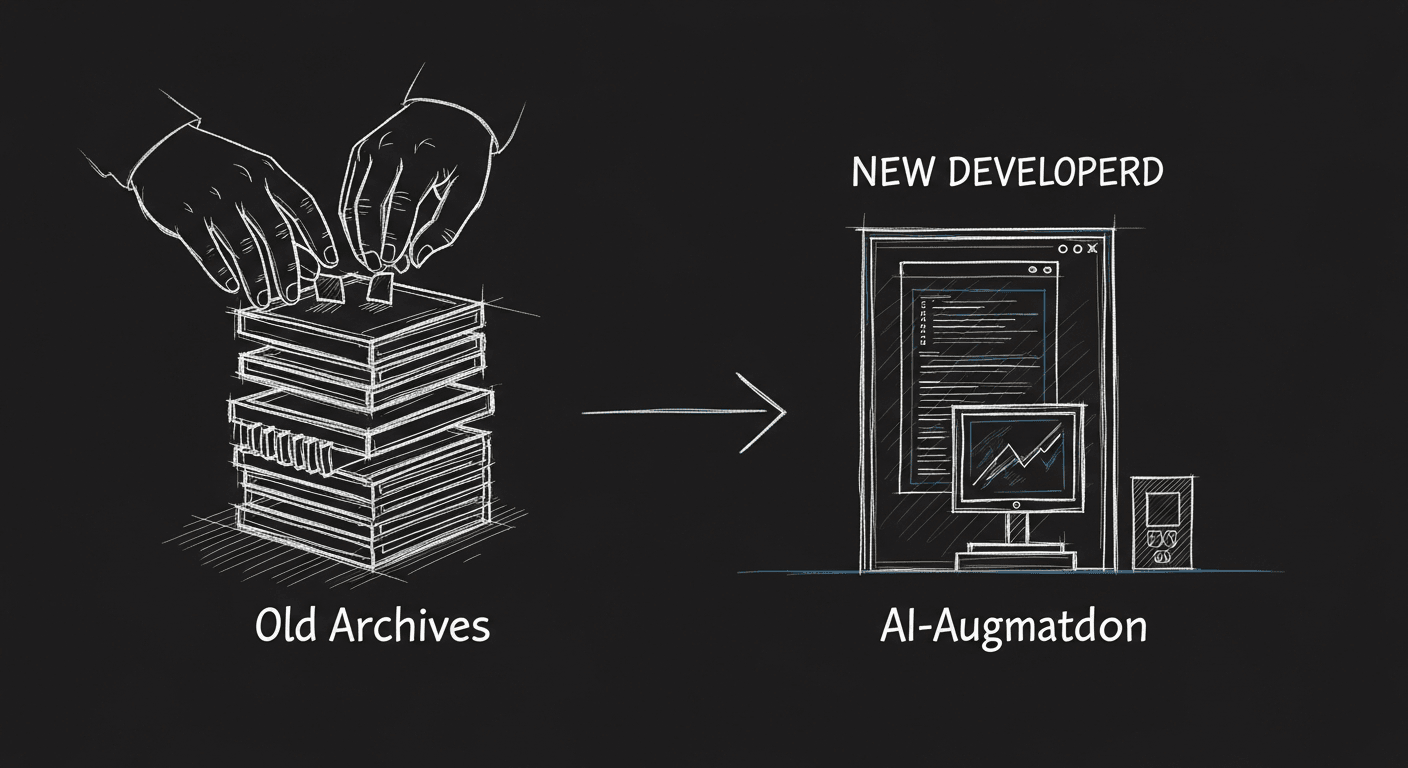
That stack was built around a core assumption: the developer is the primary consumer of the codebase's structure. The tooling existed to help me, a human, navigate, understand, and document code faster.
I help teams ship AI in production — audits, consulting, custom agents, and eval systems. Start with an AI Audit (from $5k) for an honest read on what to build.
The shift happened gradually and then all at once. Once I started using Claude Code seriously, I noticed something that took a few weeks to fully articulate: AI doesn't need the same orientation cues I do.
I've been doing code reviews for twelve years. When I open an unfamiliar codebase, I have a ritual: find the entry point, read the README, scan the folder structure, skim the package manifest. Tools like GitLens and Sourcetree existed to accelerate that ritual. Documentation tools existed to leave breadcrumbs for the next human to arrive.
AI doesn't need breadcrumbs in the same way. It can read an entire codebase in seconds and build its own mental model. The structured documentation co-location patterns I'd built habits around, keeping comments next to code so docs stayed fresh, maintaining changelogs in specific formats, organizing notebooks so humans could navigate them linearly, a lot of that work was suddenly less valuable because the agent reading my code didn't care about those particular structures.
AI coding tools have changed the trade-offs. Documentation co-location is still useful, but it's no longer load-bearing the way it was when humans were the only readers.
That realization let me ask a harder question about every tool in my stack: is this optimized for human navigation, or for actually building things well? The answer surprised me more than once.
Tools I Dropped (and Why)
Dash
Gone. Claude Code and Cursor have access to the same knowledge, and they can contextualize it: not just show it to me, but reason about how it applies to my specific situation. Offline docs were a solution to a latency problem that no longer exists in my workflow.
Do I miss it? Occasionally, when I'm on a plane. But not enough to put it back.
Most of my VS Code extensions
I trimmed from ~22 extensions to about 6. The survivors: ESLint (for actual lint enforcement), Tailwind IntelliSense (the autocomplete is still genuinely useful), GitLens blame (for understanding why code exists, not just what it does), and a couple of language-specific ones for YAML and env files.
What got cut: REST Client (Cursor can test endpoints), most snippet extensions (AI generates better code than my snippets anyway), Path Intellisense (Cursor handles this), Todo Tree (I now capture TODOs differently), Bookmarks (I don't navigate codebases by bookmarks anymore. I ask).
Postman
This one surprised me because I'd used Postman since 2014 and had built up a library of shared collections. I replaced it with a combination of .http files in the repo, so the requests live with the code, and asking the AI to help me construct curl commands or write test scripts when needed. Collections were useful when I was the main navigator. Now I'd rather have the requests version-controlled and readable by the agent working on the API.
My custom scaffolding scripts
I had a bootstrap.sh that would scaffold a new project: create the folder structure, initialize git, set up ESLint and Prettier configs, add my standard GitHub Actions boilerplate. I spent a weekend maintaining it when major dependencies shifted.
I dropped it. Now I describe what I'm building to Claude Code and let it scaffold. The result is more idiomatic for whatever the current library versions expect, and I spend zero time maintaining it.
Sourcetree
I kept this one longer than I should have out of habit. It's a great tool. But I realized I was using it primarily for two things: visualizing diverged branches and untangling messy rebases. Claude Code in the terminal handles the first well enough. For the second, I now describe the situation and let it generate the exact git commands rather than clicking around a GUI.
Structured notebook workflows
This one is the most nuanced. I still use Jupyter notebooks for exploratory data work; that part's unchanged. What I dropped was the practice of organizing notebooks for human readability first. I used to structure cell order, add extensive markdown explanations between code blocks, keep output cells clean, all so a colleague could open the notebook and follow my reasoning.
I still write good markdown. But I've stopped optimizing notebooks for sequential human navigation, because the agent helping me work on them doesn't navigate sequentially. It reads the whole thing at once. Now I optimize for clarity of logic, not narrative flow.
Tools I Added
Claude Code as a first-class dev environment
Not just as an assistant but as the primary interface for a lot of development work. The mental shift: stop thinking of it as autocomplete with ambitions and start thinking of it as a collaborator with its own context and capabilities.
tmux + git worktrees
This is the combination that makes parallel agent work clean. Each agent gets its own worktree on its own branch. No collisions, easy review. When I'm running multiple parallel tasks, this setup is the difference between chaos and a manageable workflow.
CLAUDE.md as a project constitution
Every project now gets a CLAUDE.md at the root. This is what tells the agent what matters: stack choices, coding conventions, architecture decisions, what's in scope and what isn't. It took me a few months to appreciate how much this document changes the quality of the agent's output. It's not documentation for humans. It's context architecture for AI.
.http files for API work
Requests live in the repo, version-controlled, readable by the agent. When something breaks, the agent can read the request and the response and reason about both.
The Principle
Every tool I dropped shared a common characteristic: it was optimized to help a human navigate and document a codebase. Every tool I added is optimized for either AI collaboration or actual build quality.
The principle I've landed on: optimize your dev stack for AI code understanding, not human documentation patterns.
That doesn't mean stop writing good documentation. It means be honest about who's reading it and what they need. A future human engineer joining your project still needs a good README. But they also have AI tools, so the bar for exhaustive inline documentation has shifted.
The bottleneck has moved. When I was doing everything myself, the bottleneck was how fast I could read, navigate, and write. Now the bottleneck is: how well did I structure the context the agent is working from? How clearly did I describe the task? How quickly can I review and redirect when the agent goes sideways?
The old tooling was calibrated for the old bottleneck. That's why it felt liberating to let it go.
There are tools I miss. Postman's sharing and team features were genuinely good. My git bootstrap script was reliable in a way that agent-generated scaffolding sometimes isn't. But I'd rather have a minimal, coherent stack built around how I work now than maintain a museum of tools from a workflow that no longer fits.
The stack isn't finished. It'll keep changing. But for the first time in years, I'm not carrying tools I don't use. That's worth something.